Build fanlink and smart-link products
Turn one song or release reference into the cross-platform links your landing page needs.
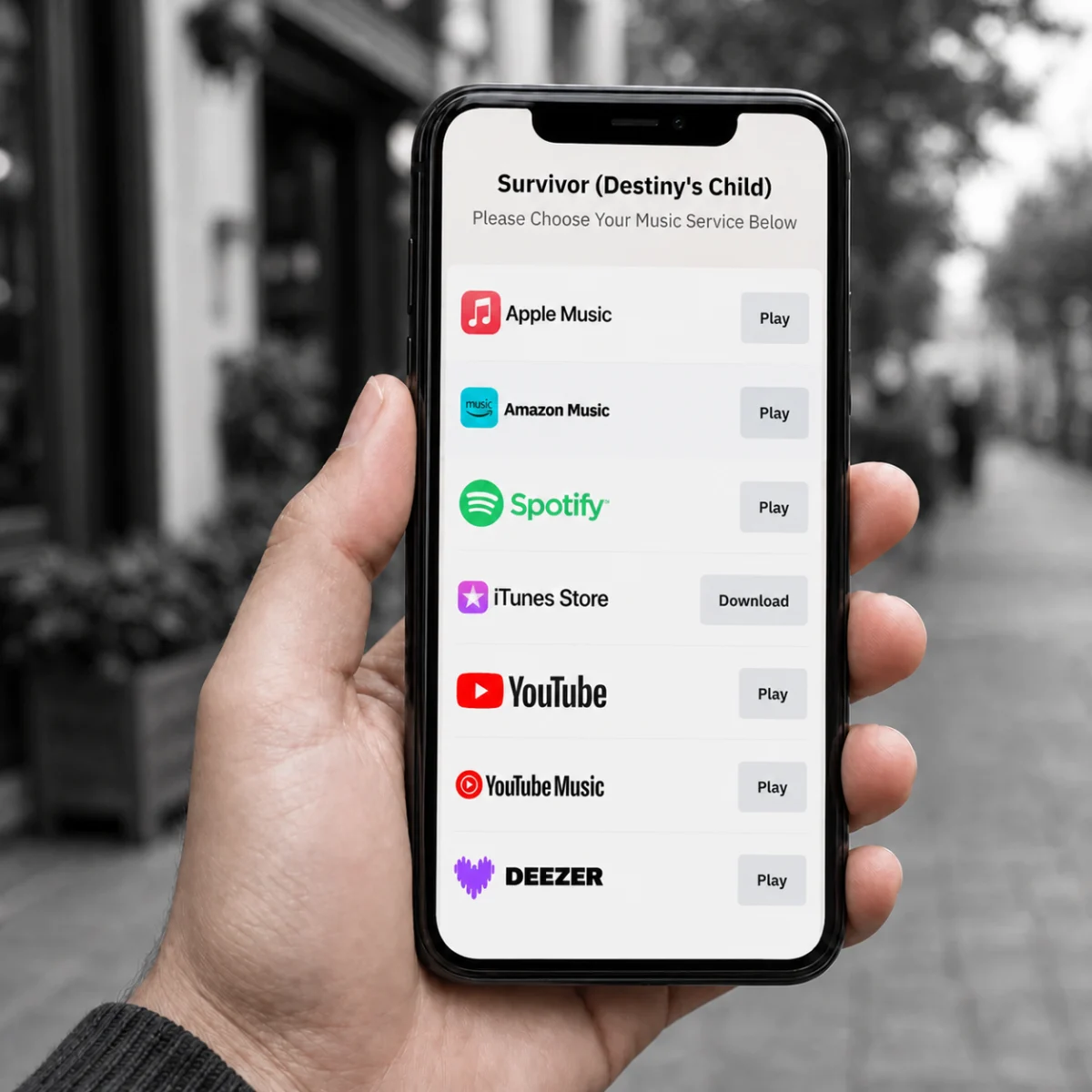
Fanlink and smart-link products solve the same core problem: let a fan start with one song or release and choose where to open it. Musicfetch resolves a store URL, ISRC, or UPC, normalizes the catalog metadata, and searches for matching entries across the music services you request. Your application turns those results into its own cross-platform landing page.
Where Musicfetch fits in your stack
Use the endpoint that matches the reference already present in your workflow. In every case, the services parameter tells Musicfetch which additional destinations to search.
URL lookup also supports artists when the source is a supported artist URL. See the URL lookup documentation for supported source-link and destination-service behavior.
Current ISRC and UPC lookups use Spotify as their initial catalog source. A valid identifier that is unavailable there may not resolve, so keep a not-found path in your ingestion flow.
Four practical product workflows
- Resolve the input. Route a URL, ISRC, or UPC to the matching endpoint. Musicfetch determines the catalog entity and returns a track, album, or artist result.
- Normalize the catalog item. Read fields such as the name, artists, artwork, release date, duration, ISRC, or UPC without reshaping every service response yourself.
- Match service entries. Use
result.services, keyed by service, to store the matched platform ID and link. A missing key means no match was returned for that request. - Render your fanlink. Filter and order the matched destinations, then render your own branded landing page with your analytics and fallback rules.
Generate fanlink choices without hard-coded platform pairs
Request the destination services your product needs, optionally pass a two-letter country code for localized store links, and filter returned entries against your UI allowlist. Each returned service entry carries the matched platform ID and link, so the same response can populate buttons and update your catalog record.
Handle partial service coverage
Requested services are search targets, not guaranteed results. Only render entries present in result.services, and decide how your fanlink behaves when a preferred service has no match. A country value helps Musicfetch return localized links where the service supports them.
One request, normalized data and service links
This demo uses a Spotify URL and asks Musicfetch to search its supported destination services, excluding Instagram. The other tabs show the equivalent entry points for the same recording's ISRC and release UPC. Keep the access token on your server.
Live URL lookup response
The response below is fetched from Musicfetch and refreshed on the server. Only actual matches appear under result.services.
Map the response into your product model
Fields vary by entity and by what source services expose. Treat optional metadata as optional, and use the current API documentation as the contract for your adapter.
Production checklist
- Classify each input as a supported URL, track ISRC, or release UPC and call the corresponding endpoint.
- Request an explicit set of destination services and pass
countrywhen localized links matter. - Normalize optional response fields into your product schema and keep the service key alongside every platform ID and link.
- Handle unmatched services and lookup errors without blocking the rest of the fanlink.
- Cache resolved metadata and links, then define when your product refreshes them.